
The Missing Layer
That Makes Remote
InterviewsTruly Secure

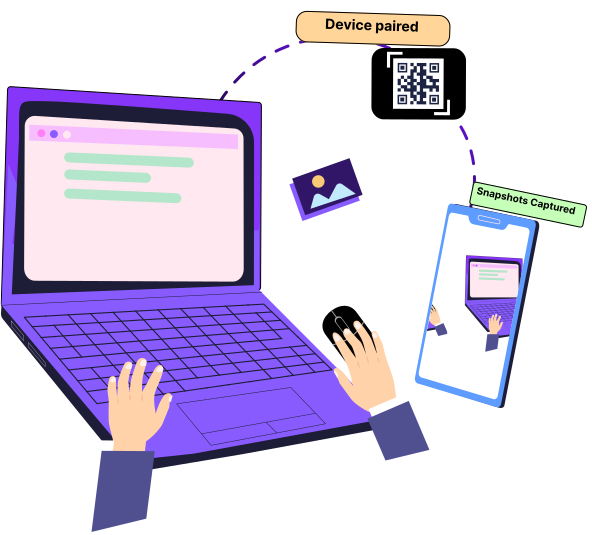
Remote hiring fails when candidates can hide what’s happening outside the screen.CoderScout solves this by introducing Auxiliary Device Proctoring — a second camera view powered by the candidate’s phone that monitors hands, keyboard, and surroundings in real time.
Traditional remote interview proctoring only tracks screen activity.
However, most interview manipulation happens outside the screen.
.png)
Hidden Phone Usage

External Help During Coding Round
AI Tool Assistant Off Screen

Environment Manipulation
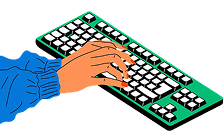
Keyboard Switching or secondary devices
What Is Auxiliary Device Proctoring?
Auxiliary Device Proctoring is a dual-device interview monitoring system where the candidate uses a mobile phone as a secondary camera while completing assessments on a desktop or laptop.

The auxiliary device captures:
📷 Hand & Keyboard Activity
🖥 Nearby Devices & Desk Setup
👀 Candidate Surroundings
🌍 Full Environmental Context
How Auxiliary Device Proctoring Works
Candidate Starts Assessment
Candidate opens the coding interview on desktop or laptop.
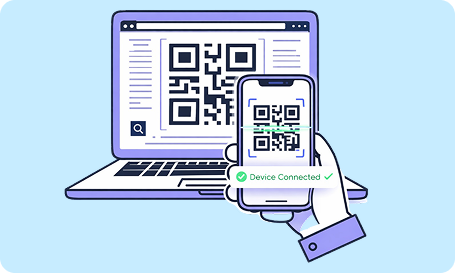
Phone Pairing via QR Code
A QR code connects the mobile device instantly.
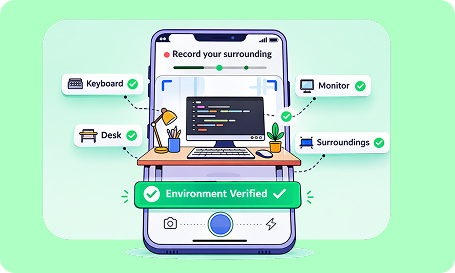
Environment Verification
Candidate records workspace and surroundings.
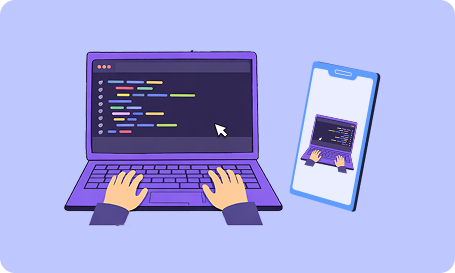
Continuous Monitoring
Phone remains positioned to monitor hands and keyboard during the session.
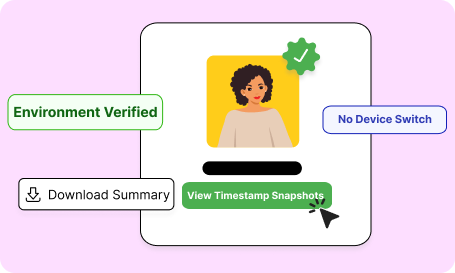
Unified Proctoring Report
Phone remains positioned to monitor hands and keyboard during the session.Recruiters receive all monitoring insights automatically after completion. No complicated setup. No extra downloads.
Key Benefits of Auxiliary Device Proctoring
Stronger Remote Interview Integrity
Ensure technical interview results reflect real skills, not external help.
Prevent AI-Assisted Cheating
Monitor behavioral and physical cues alongside coding activity.
Secure Remote Hiring at Scale
Protect high-volume hiring processes without manual monitoring.
Better Confidence for Hiring Decisions
Founders, CTOs, and hiring leaders can trust evaluation outcomes.
Low Candidate Friction
Quick onboarding process keeps candidate experience smooth.
Built for Modern Remote Hiring Teams
Auxiliary Device Proctoring is ideal for:
Technical hiring and coding interviews
Remote engineering recruitment
Campus hiring assessments
Internship screening
Distributed hiring teams
AI-era recruitment processes
When hiring happens remotely, security becomes a competitive advantage.
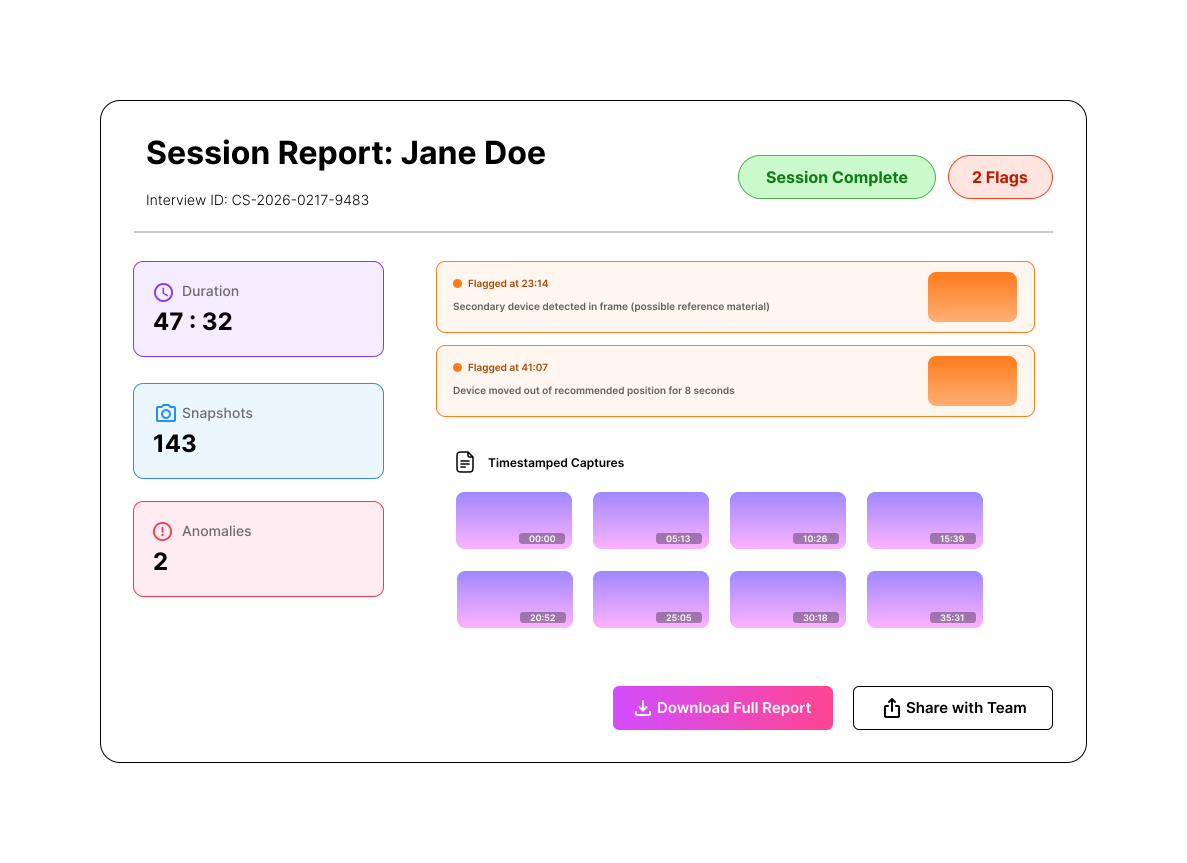
Proctoring Reports Designed for Clear Decisions
After the assessment, teams receive:
- Environmental verification snapshots
- Keyboard visibility records
- Behavioral anomalies overview
- Centralized proctoring summary
Why CoderScout Auxiliary Device Proctoring Stands Out

Screen activity analysis

Dual-device monitoring
AI behaviour signals

Automated reporting
Secure Remote Interviews Start Here
Remote hiring shouldn’t mean compromised integrity. Enable Auxiliary Device Proctoring to ensure every coding interview is fair, secure, and trustworthy.