

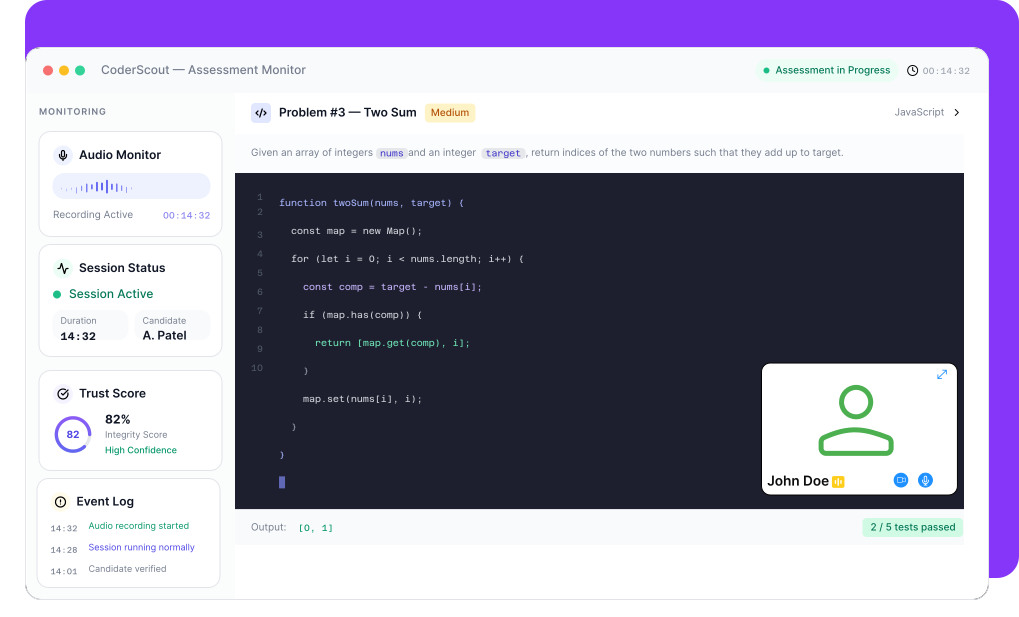
What You Don’t Hear Can Impact Hiring Decisions
External assistance can happen off-camera

Verbal cues and help are not visible
No visibility into candidate environment

Silent monitoring misses critical signals
Difficult to verify suspicious sessions
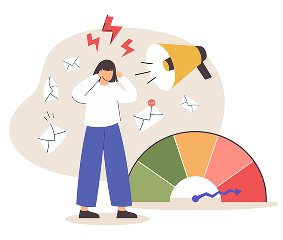
Without recordings, decisions lack evidence
Trust issues in remote hiring

Lack of transparency reduces confidence
CoderScout Provides Continuous Audio Recording for Full Transparency
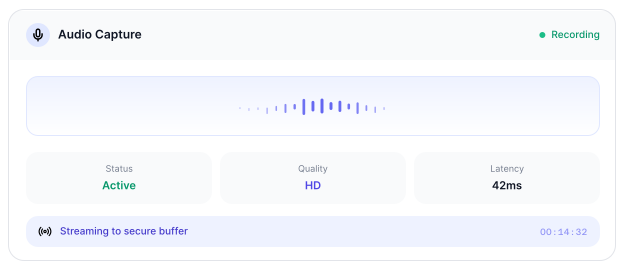
Capture audio throughout the assessment
Continuously record audio throughout the assessment to capture the candidate's surroundings, helping verify test conditions and identify any unauthorized conversations or assistance.
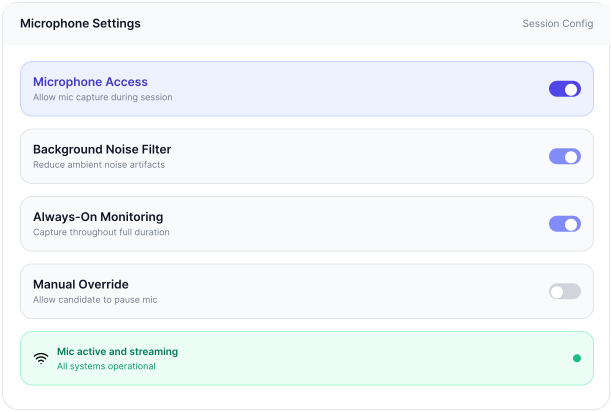
Ensure microphone stays active
Monitor microphone status in real time to ensure it remains enabled during the assessment, preventing candidates from disabling audio monitoring without detection.
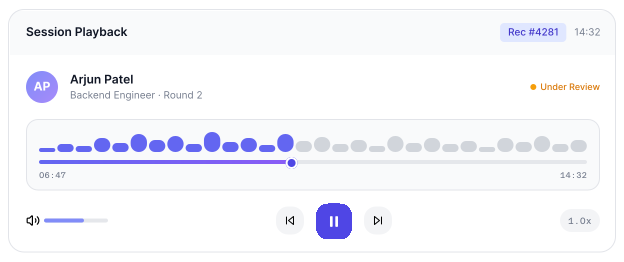
Enable complete session playback
Synchronize audio recordings with assessment events, allowing recruiters to replay the entire session and review incidents with complete contextual evidence.
Support fair and evidence-based evaluation
Provide recruiters with reliable audio evidence to support objective decision-making, ensuring every assessment is reviewed fairly and with complete transparency.
Why Teams Use Audio Monitoring
Ensure transparency in remote assessments
Capture complete candidate environment
Enable post-assessment review
Strengthen trust in hiring decisions
Everything You Need for Audio-Based Transparency
Continuous Audio Recording
Capture candidate audio throughout the assessment
Non-Mutable Microphone Enforcement
Ensure audio remains active during the entire test
Session-Based Audio Playback
Review full recordings after assessment completion
Synchronized Timeline Playback
Align audio with candidate actions and events
Transparent Review System
Enable manual verification of candidate environment
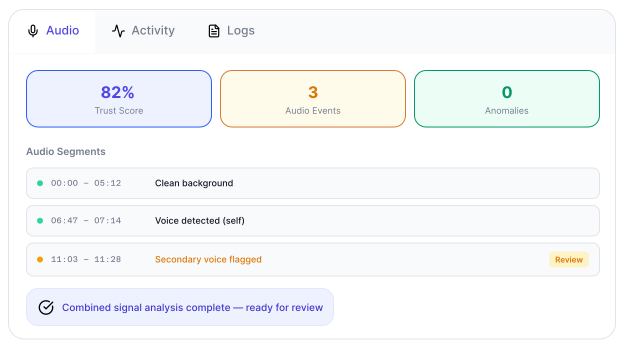
Integrated with Proctoring Signals
Combine audio with other monitoring insights
From Audio Capture to Transparent Review
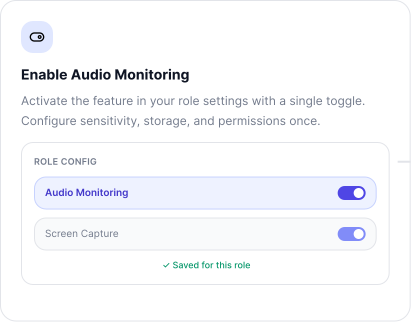
Enable Audio Monitoring
- Activate audio recording for the assessment.
- Ensure microphone permissions are enabled.Define detection sensitivity.
- Set up monitoring requirements.
- Prepare secure test environment.
Candidate Starts Assessment
- Candidate begins the test session.
- Microphone remains active throughout.
- Audio recording starts automatically.
- Ensure continuous capture.
.svg)
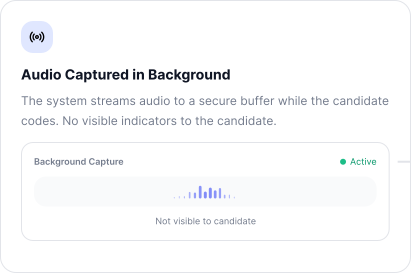
Continuous Audio Recording
- Capture background audio throughout the session.
- Record candidate environment without interruptions.
- Ensure microphone cannot be muted.
- Maintain complete audio visibility.
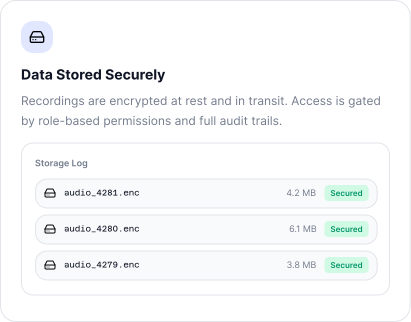
Store Audio with Session Data
- Attach audio recordings to the candidate session.
- Sync with assessment timeline.
- Preserve complete session context.
- Enable structured playback.
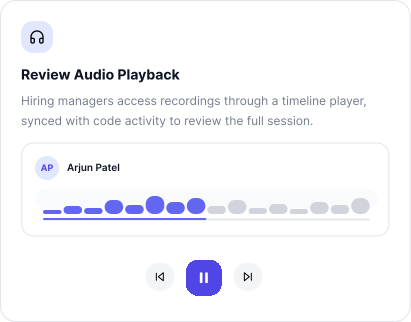
Playback and Review
- Review recorded audio alongside assessment activity.
- Analyze candidate environment manually.
- Identify irregularities if needed.
- Gain full transparency into the session.
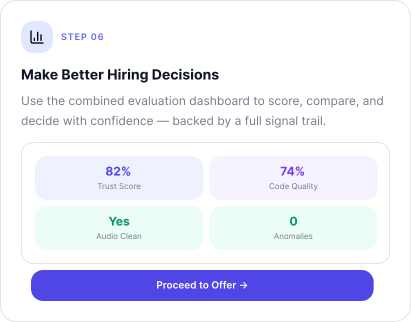
Make Informed Decisions
- Use audio playback as supporting evidence.
- Combine with other proctoring signals.
- Ensure fair evaluation.
- Make confident hiring decisions.
Built for Transparent and Reliable Hiring
Remote Hiring
Gain full visibility into candidate environment
Technical Assessments
Verify independent problem-solving
High-Volume Hiring
Ensure consistent evaluation at scale
Campus Hiring
Maintain fairness across all candidates
Frequently
Asked
Questions
It is the continuous recording of candidate audio during the test
No, the microphone remains active throughout the assessment
Yes, full session recordings are available for playback
It is reviewed alongside assessment activity for transparency
Yes, it is integrated with the overall proctoring system