AI Eye Movement Analysis to Detect Suspicious Gaze Behavior During Assessments
.svg)
AI tracks eye movement and gaze patterns during assessments to identify suspicious behavior. Detect potential use of external devices and ensure focused, independent performance.
- ✓ Track attention. Detect anomalies. Hire with confidence.
Hidden Attention Shifts Enable Cheating
Candidates may look at external devices

Phones, notes, or secondary screens
Hard to detect attention shifts manually
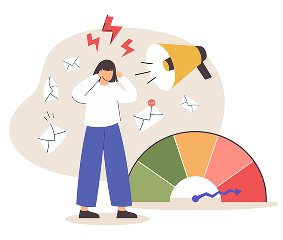
Subtle gaze changes are easy to miss
No structured way to track focus
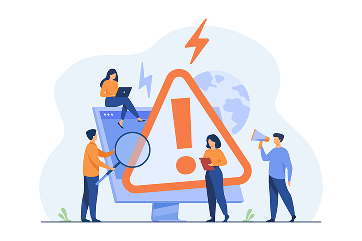
Visual monitoring alone is not enough
Incomplete visibility in remote hiring

Attention behavior remains untracked
CoderScout Uses AI to Analyze Gaze and Attention Patterns
Track eye movement in real time
Continuously monitor the candidate's eye movements throughout the assessment to understand attention patterns and ensure focus remains on the active test environment.
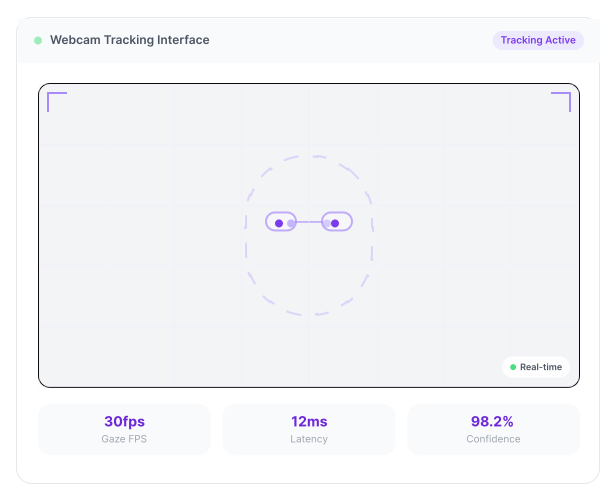
Detect suspicious gaze behavior
Identify repeated off-screen glances, prolonged distractions, and unusual gaze patterns that may indicate attempts to access unauthorized resources during the assessment.
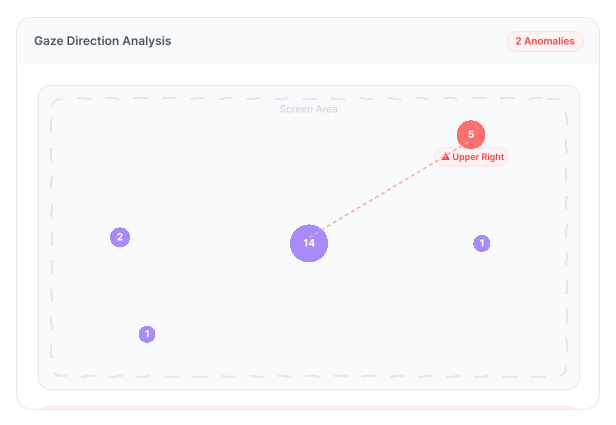
Capture gaze snapshots
Automatically capture key moments when suspicious gaze activity is detected, providing visual evidence that recruiters can review alongside assessment recordings.
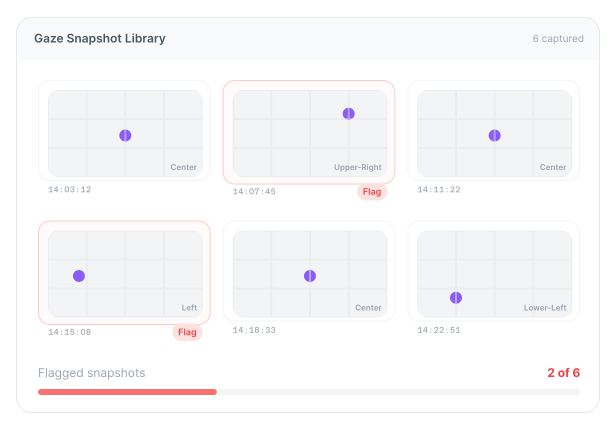
Provide measurable insights
Generate AI-powered attention metrics and gaze behavior insights, helping recruiters make informed decisions based on objective candidate engagement throughout the assessment.
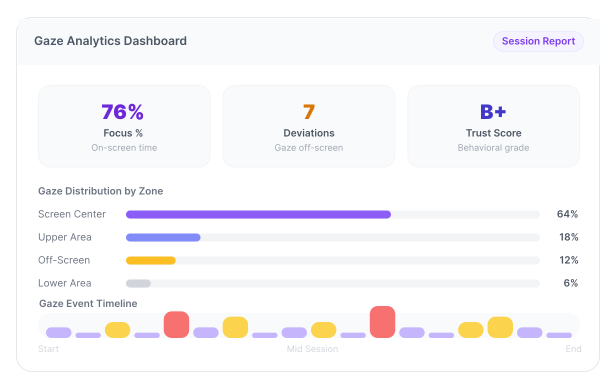
Why Teams Use Eye Movement Analysis
Detect use of external devices
Ensure candidate focus during assessments
Add deeper behavioral signals to evaluation
Increase confidence in remote hiring
Everything You Need for Gaze-Based Monitoring
AI Gaze Tracking
Track candidate eye movement and gaze direction during assessments
Suspicious Gaze Detection
Identify repeated off-screen or unusual attention patterns
Gaze Snapshot Capture
Capture and store key gaze moments for review
Playback Timeline Flagging
Highlight gaze events directly in session playback
Gaze Event Count Metrics
Show how many times candidate looked away or shifted focus
Integrated Trust Scoring
Incorporate gaze behavior into overall integrity score
From Eye Movement Tracking to Behavioral Insights
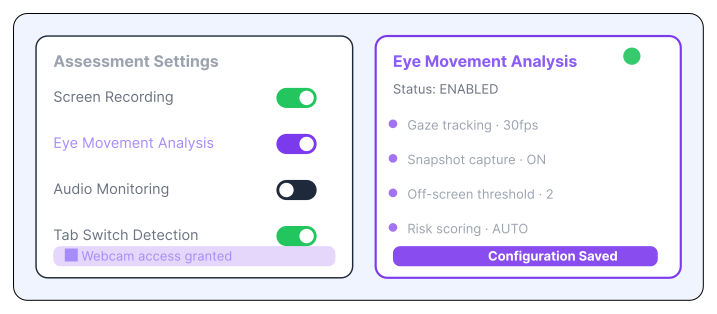
Enable Eye Movement Analysis
- Activate gaze tracking in proctoring settings.
- Enable webcam access.
- Initialize AI tracking models.
- Prepare monitoring environment.
Candidate Starts Assessment
- Candidate begins the test session.
- Webcam tracking starts automatically.
- AI begins analyzing eye movement.
- Ensure continuous monitoring.
.svg)
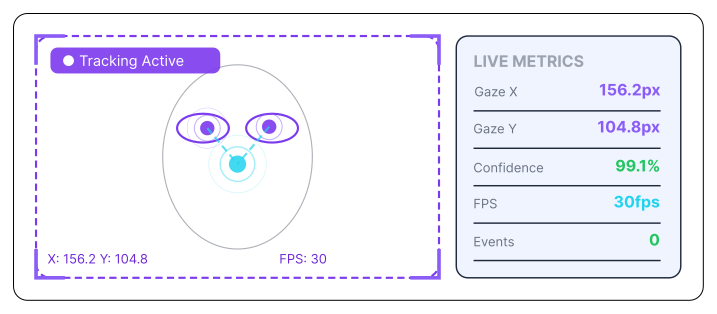
Track Gaze in Real Time
- Monitor eye movement and direction.
- Track where candidate is looking.
- Capture attention patterns.
- Ensure uninterrupted tracking.
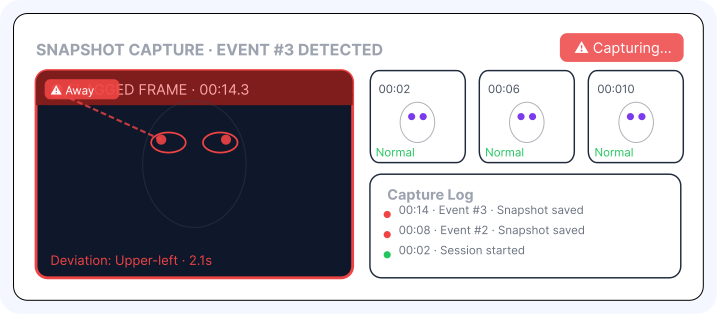
Detect and Capture Gaze Events
- Identify suspicious gaze patterns.
- Capture still snapshots of key moments.
- Flag events on playback timeline.
- Log gaze activity.
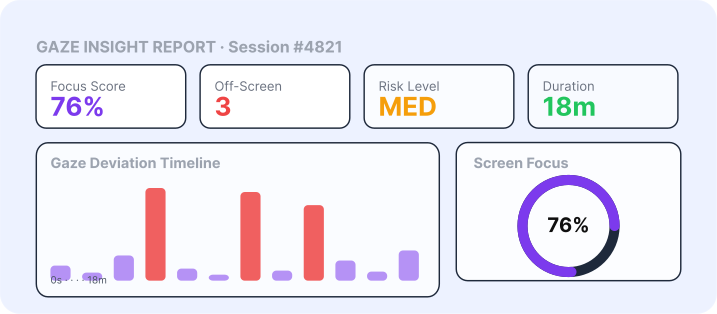
Generate Gaze Insights
- Calculate total gaze deviation count.
- Summarize attention behavior.
- Highlight suspicious patterns.
- Provide structured insights.
Review and Decide
- Review gaze snapshots and timeline flags.
- Analyze behavioral patterns.
- Combine with other proctoring signals.
- Make confident hiring decisions.
.svg)
Built for Deep Behavioral Monitoring
Remote Hiring
Detect use of secondary devices
Technical Assessments
Ensure focused problem solving
High-Integrity Roles
Require strict evaluation standards
Campus Hiring
Ensure fairness at scale
Frequently
Asked
Questions
It is AI-based tracking of candidate gaze and attention during assessments
It detects repeated off-screen attention and unusual gaze patterns
Yes, snapshots and timeline flags are generated
Yes, AI continuously analyzes gaze behavior
It helps identify suspicious behavior and ensures candidate focus
Understand Candidate Attention in Every Test 
Track gaze behavior and ensure focused performance.