
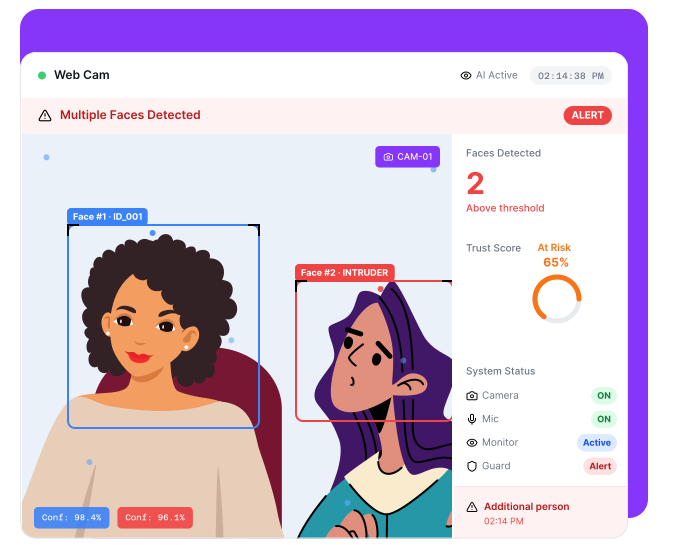
External Assistance Is Hard to Detect
Candidates may receive in-person help

Another person may assist during the test
No visibility into surroundings

Standard assessments cannot detect additional presence
High risk in remote hiring
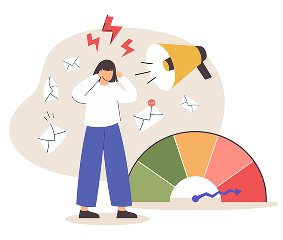
Unmonitored environments enable unfair advantages
Compromised evaluation results

Decisions are based on inaccurate performance
CoderScout Detects Multiple Faces in Real Time
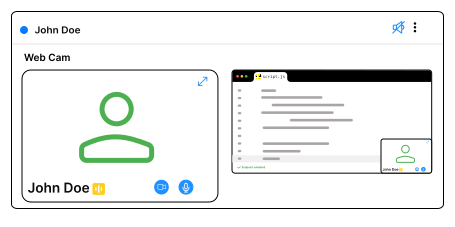
Monitor candidate via webcam
Continuously analyze the candidate's webcam feed throughout the assessment to verify identity and maintain uninterrupted monitoring in real time.
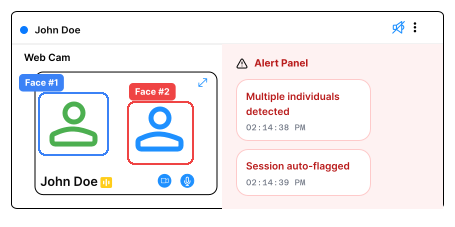
Detect presence of additional individuals
Instantly identify when multiple faces appear in the camera frame, helping prevent unauthorized assistance and ensuring only the registered candidate is present.
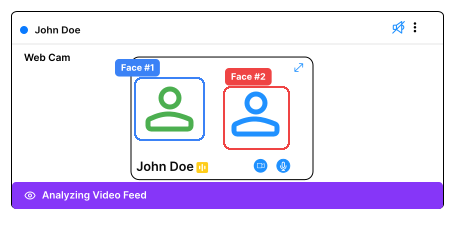
Trigger alerts for suspicious activity
Automatically generate alerts when additional faces are detected, allowing recruiters and proctors to quickly review and address potential violations.
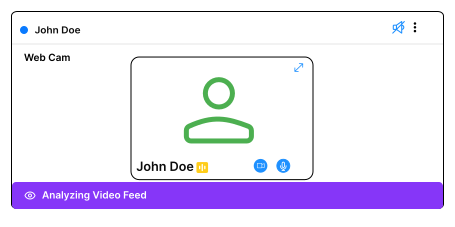
Ensure single-candidate participation
Maintain assessment integrity by verifying that only the authorized candidate remains visible throughout the session, ensuring a fair and secure evaluation.
Why Teams Use Multi-Face Detection
Prevent external assistance
Ensure fair candidate evaluation
Increase trust in assessment results
Strengthen remote hiring integrity
Everything You Need for Presence Monitoring
Real-Time Face Detection
Continuously scan for faces during the assessment
Multiple Face Identification
Detect when more than one person appears on camera
Instant Alert System
Flag suspicious events immediately
Session Monitoring Integration
Works seamlessly with AI proctoring
Detailed Event Logging
Record instances of multiple face detection
Trust Score Contribution
Incorporate signals into overall candidate trust score
From Detection to Trust-Based Decisions
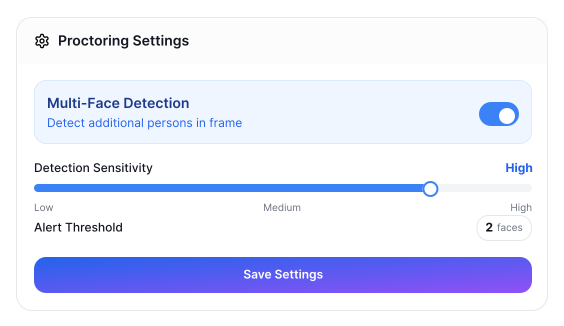
Enable Multi-Face Detection
- Activate feature within proctoring settings.
- Define detection sensitivity.
- Prepare monitoring rules.
- Ensure webcam access.
Candidate Starts Assessment
- Candidate begins test session.
- Webcam monitoring is activated.
- System initializes detection.
- Start tracking.
.svg)
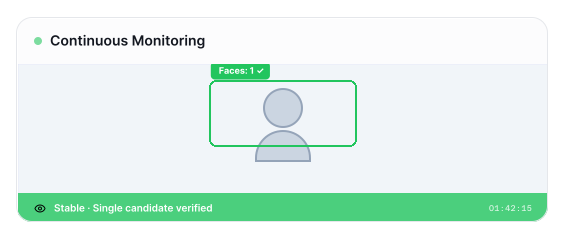
Continuous Face Monitoring
- Analyze video feed in real time.
- Identify number of faces present.
- Track changes in presence.
- Ensure continuous validation.
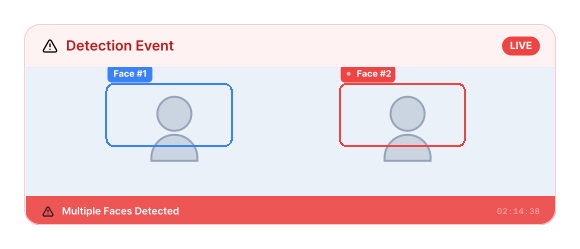
Detect Multiple Faces
- Identify additional individuals.
- Trigger alerts instantly.
- Record event details.
- Flag suspicious activity.
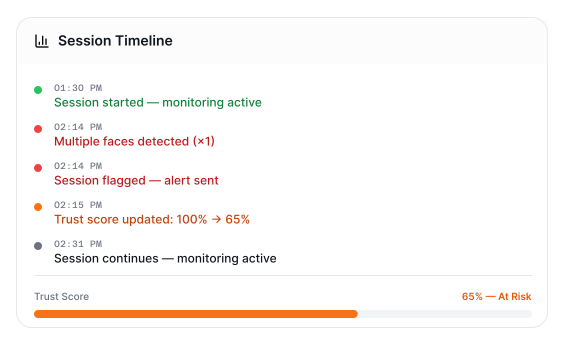
Generate Insights
- Log detection events.
- Add signals to trust score.
- Provide clear visibility.
- Enable review.
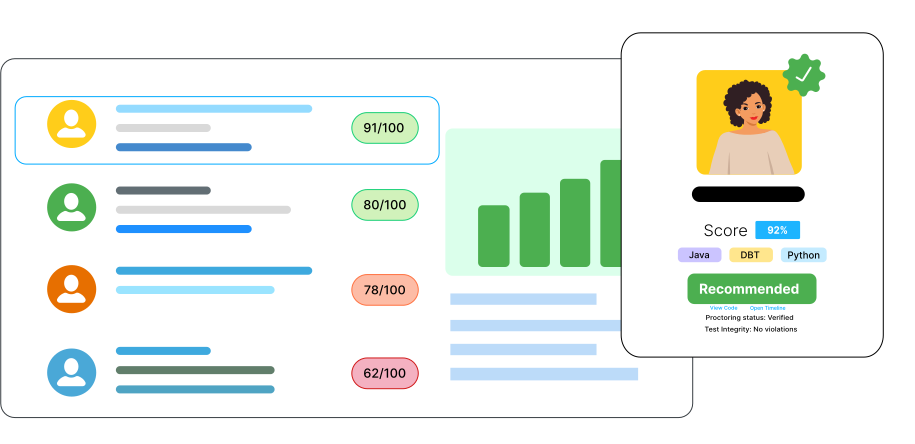
Review and Decide
- Analyze flagged sessions.
- Understand candidate behavior.
- Combine with assessment results.
- Make informed decisions.
Built for Secure Remote Assessments
Remote Hiring
Ensure candidates are not assisted
Technical Assessments
Prevent external help during coding tests
High-Volume Hiring
Maintain integrity at scale
Campus Hiring
Ensure fair evaluation across candidates
Frequently
Asked
Questions
It is the ability to detect multiple people in front of the camera during an assessment
It helps prevent external assistance and ensures fair evaluation
Yes, detection happens continuously during the test
The system flags the event and records it for review
Yes, it works as a feature within AI proctoring
Ensure Only the Candidate Is Present 
Prevent external assistance and maintain test integrity