
Realistic Coding Environment for Accurate and Developer-Friendly Assessments
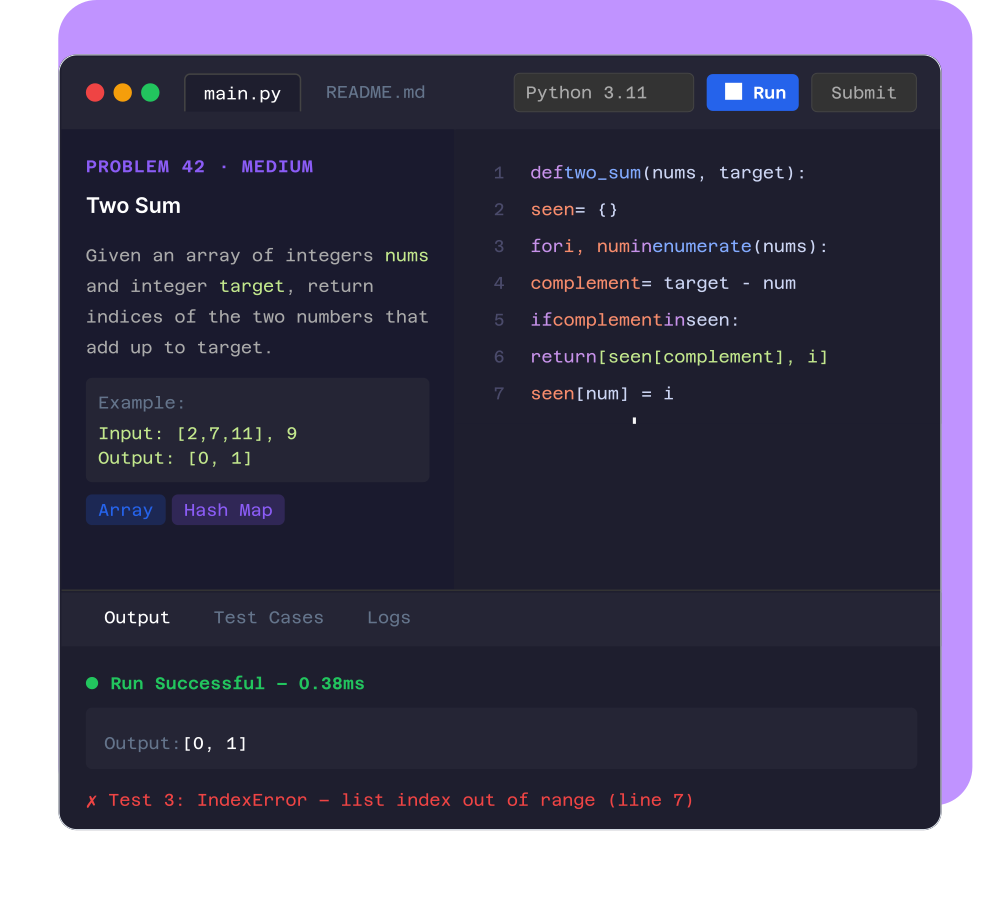
Provide a browser-based coding IDE with syntax highlighting, debugging support, and multi-language execution. Evaluate candidates in an environment that feels like real development.
- ✓ Real environment. Real skills. Real evaluation.
Basic Editors Lead to Poor Evaluation
Candidates struggle with limited editors

No proper coding environment
Unrealistic test conditions

Does not reflect real-world development
Reduced candidate performance

Good developers perform poorly in constrained tools
Poor candidate experience
.png)
Frustration affects test outcomes
Inaccurate hiring decisions

Evaluation does not reflect true capability
CoderScout Provides a Real Coding IDE Inside the Browser
Simulate real development environments
- Give candidates familiar coding experience
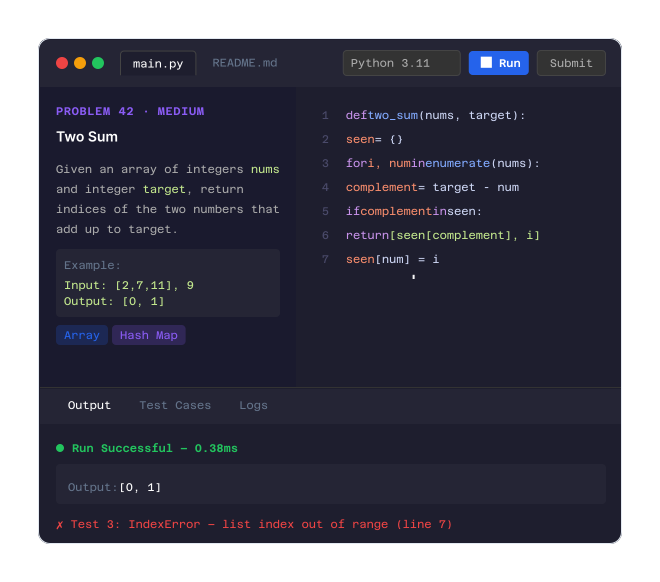
Enable smooth coding workflows
- Support writing, testing, and debugging
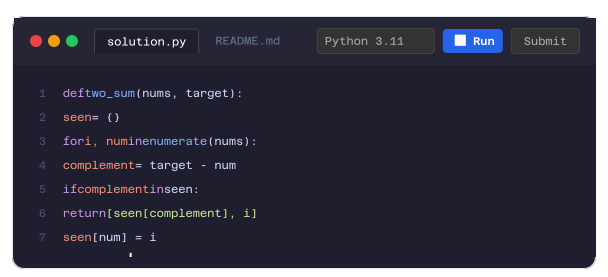
Improve candidate performance accuracy
- Evaluate real capability, not adaptability
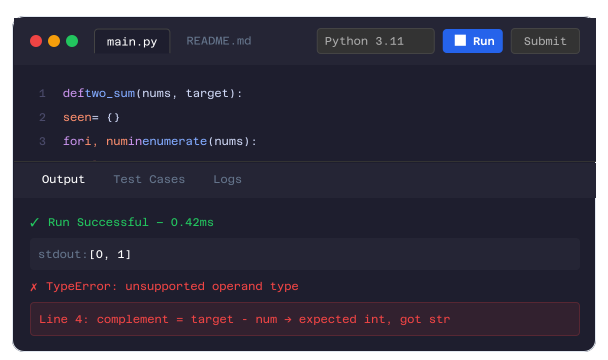
Enhance candidate experience
- Make assessments intuitive and fair
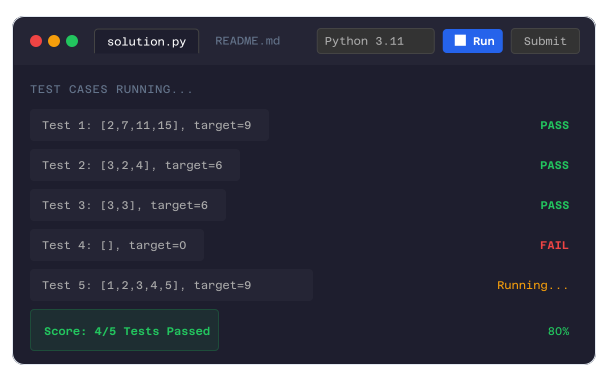
Why Teams Use Realistic Coding Environment
Evaluate real-world coding ability
Improve candidate experience
Reduce false negatives in hiring
Ensure fair and accurate assessments
Attract better candidates
Everything You Need for a Real Coding Experience
Browser-Based Coding IDE
Run coding assessments directly in the browser
Syntax Highlighting Support
Improve code readability and writing speed
Multi-Language Execution
Support popular programming languages
Debugging Capabilities
Allow candidates to test and refine their code
Smooth Code Execution Flow
Enable seamless run and test cycles
Integrated with Assessment System
Works with test cases and evaluation engine
From Coding to Evaluation in a Real Environment
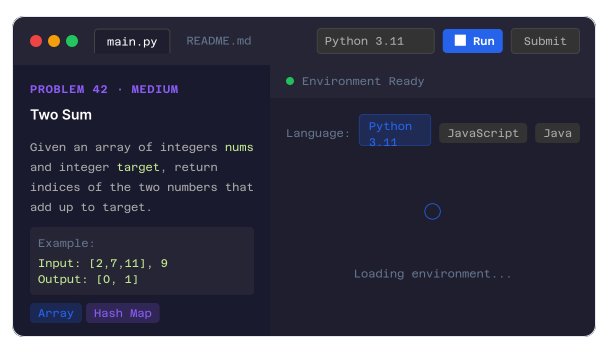
Candidate Opens Coding Environment
- Access coding IDE in the browser.
- Load problem statement.
- Select programming language.
- Prepare to code.
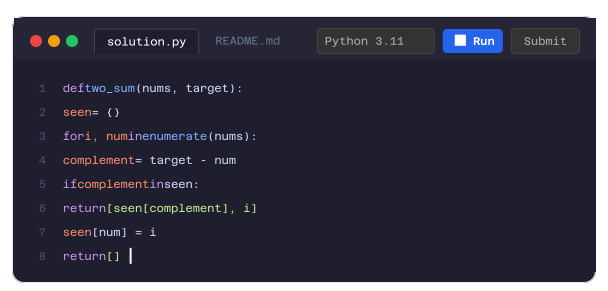
Write Code with Full Support
- Use syntax highlighting.
- Write structured code.
- Improve readability.
- Ensure smooth experience.
Run and Debug Code
- Execute code within environment.
- Test logic and output.
- Debug issues.
- Refine solutions.
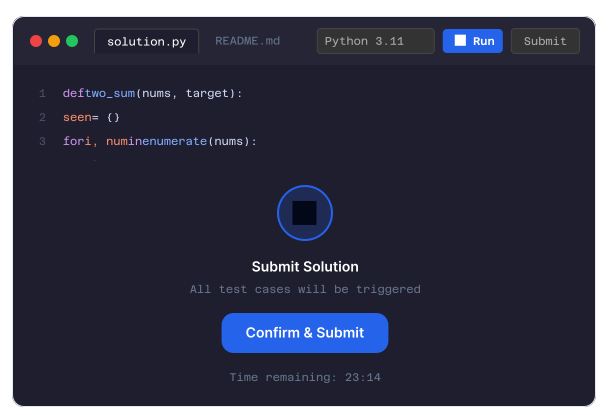
Submit Final Solution
- Submit code for evaluation.
- Trigger test cases.
- Ensure readiness.
- Complete assessment.
Automated Evaluation Runs
- Evaluate using test cases.
- Analyze correctness.
- Generate score.
- Prepare insights.
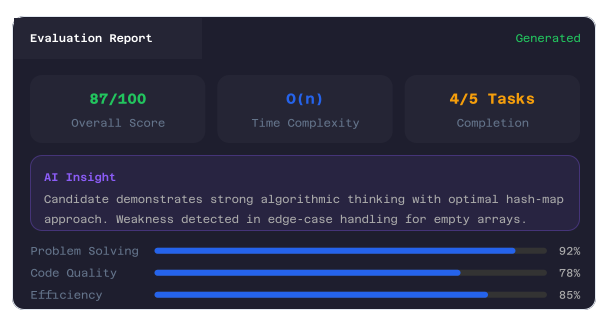
Generate Reports and Insights
- Combine coding performance with insights.
- Create structured evaluation.
- Enable decision-making.
- Complete hiring process.
Built for Real-World Developer Hiring
Software Engineering Hiring
Evaluate coding skills accurately
Backend and Full-Stack Roles
Test real-world problem solving
Campus Hiring
Provide better candidate experience
Technical Screening
Assess developers efficiently
Why CoderScout Coding Environment Is Different
Realistic browser-based IDE
Supports multiple programming languages
Enables debugging and testing
Improves candidate experience
Ensures accurate evaluation
Frequently
Asked
Questions
It is a browser-based IDE that simulates real coding conditions
Yes, multiple programming languages are supported
Yes, they can test and refine their code
Yes, it works with coding tests and evaluation
Yes, it enables more realistic evaluation
Test Skills in a Real Coding Environment 
Evaluate developers the way they actually work.