
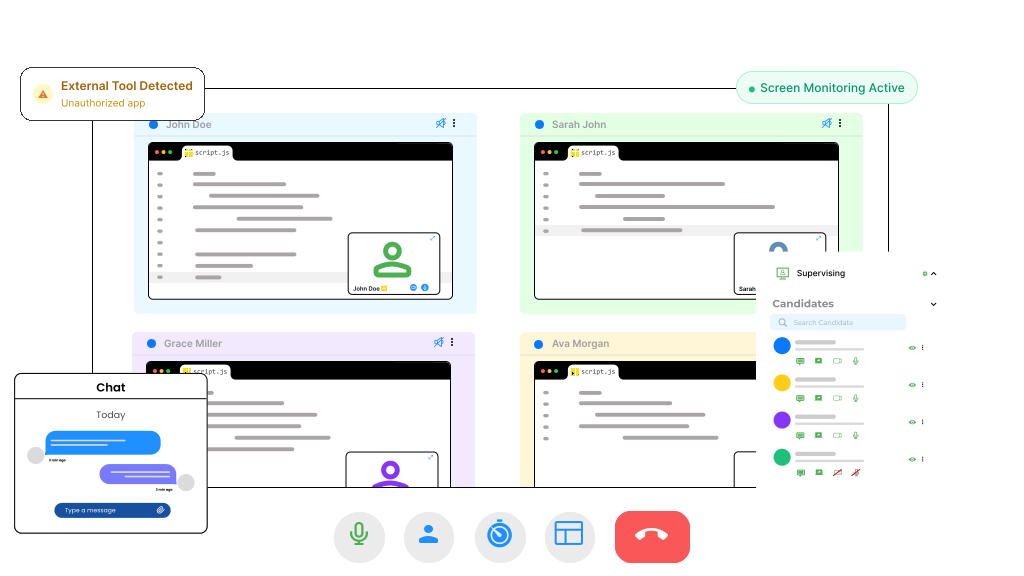
Hidden Screen Activity Enables Cheating
Candidates can use external tools
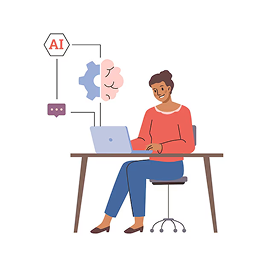
Search engines, notes, or unauthorized apps can be used
No visibility into screen behavior
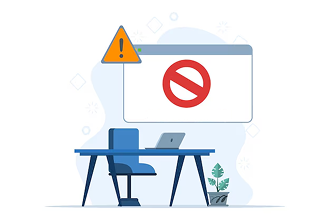
Recruiters cannot see what candidates are doing
Easy to bypass basic monitoring

Without screen tracking, cheating goes unnoticed
Compromised evaluation outcomes

Results do not reflect true candidate ability
CoderScout Provides Real-Time Screen Monitoring
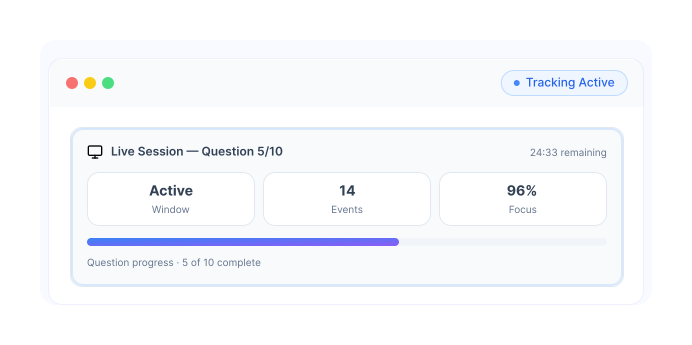
Track screen activity during assessments
Continuously monitor the candidate's screen throughout the assessment to ensure all on-screen activity aligns with testing guidelines and remains fully visible for review.
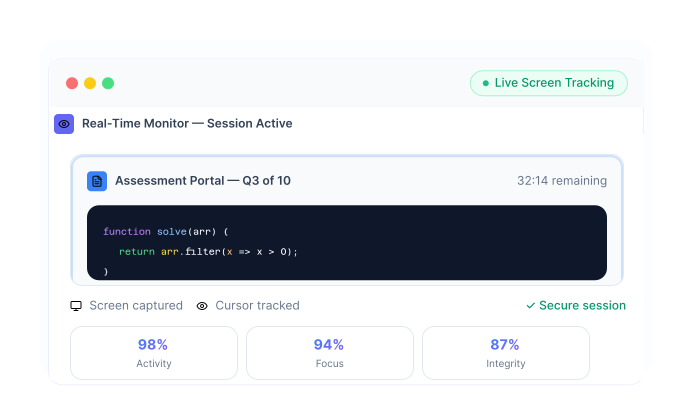
Detect use of external tools
Identify unauthorized applications, browser windows, or external tools that could be used to gain an unfair advantage during the assessment process.
.svg)
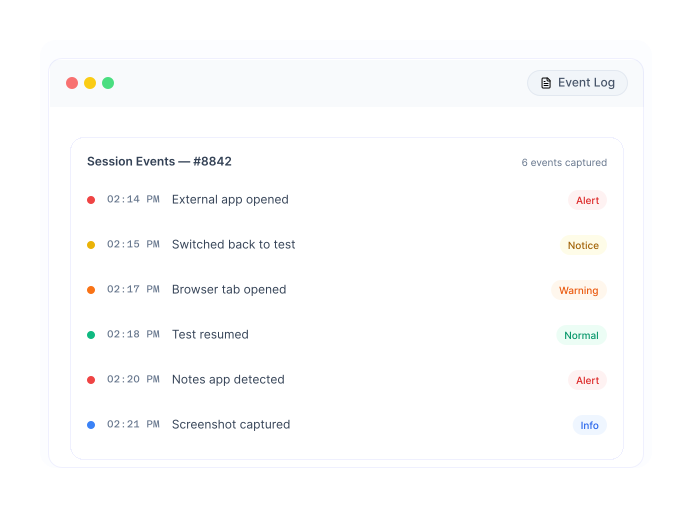
Flag suspicious activity instantly
Automatically capture suspicious screen events and alert recruiters or proctors in real time, enabling faster review and timely intervention when necessary.
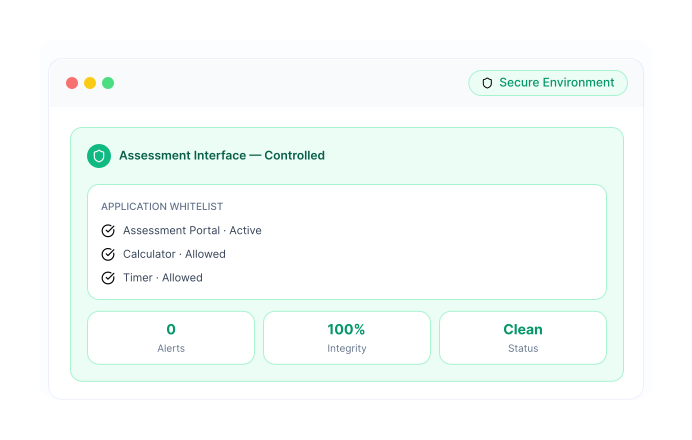
Ensure controlled test environment
Maintain a secure and controlled assessment environment with continuous screen monitoring that helps deliver fair, transparent, and reliable evaluation outcomes.
Why Teams Use Screen Monitoring
Detect external tools and resources
Ensure secure assessment environment
Improve trust in candidate results
Enable reliable remote hiring
Everything You Need for Screen-Level Visibility
Real-Time Screen Tracking
Monitor candidate screen activity continuously
External Tool Detection
Identify use of unauthorized applications or resources
Suspicious Activity Alerts
Flag abnormal behavior
Session Recording and Playback
Review screen activity after assessment
Event Logging System
Track all key events during the test
Trust Score Integration
Include screen behavior in overall integrity scoring
From Screen Activity to Secure Evaluation
Enable Screen Monitoring
- Activate screen tracking for assessments.
- Define monitoring parameters.
- Set detection rules.
- Prepare secure environment.
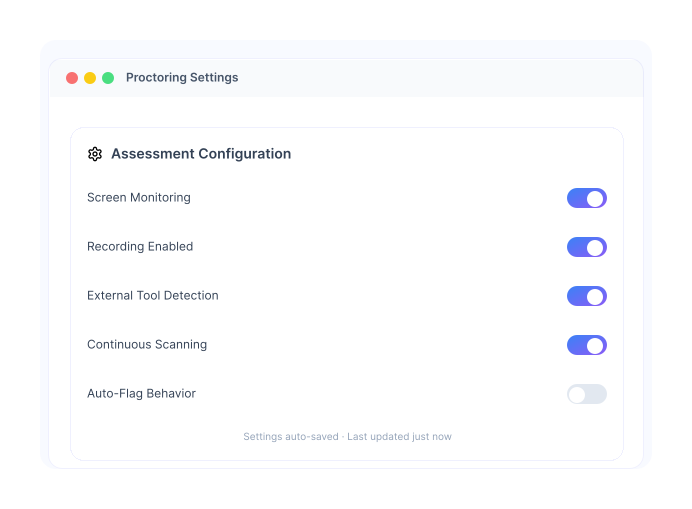
Candidate Starts Assessment
- Candidate begins test session.
- Permissions for screen monitoring are enabled.
- System initializes tracking.
- Start monitoring activity.
.svg)
Track Screen Activity
- Monitor actions in real time.
- Capture screen behavior continuously.
- Analyze usage patterns.
- Ensure full visibility.
Detect Suspicious Behavior
- Identify use of external tools or apps.
- Trigger alerts for anomalies.
- Record events with timestamps.
- Flag candidate session.
Generate Insights
- Summarize screen activity data.
- Highlight suspicious patterns.
- Add signals to trust score.
- Provide clear visibility.
.svg)
Review and Decide
- Analyze recorded sessions.
- Understand candidate behavior.
- Combine with assessment results.
- Make confident hiring decisions.
.svg)
Built for Secure and Transparent Assessments
Remote Hiring
Ensure candidates are not using external tools
Technical Assessments
Prevent unauthorized assistance during coding
High-Volume Hiring
Maintain integrity across large candidate pools
Campus Hiring
Ensure fair evaluation at scale
Frequently
Asked
Questions
It is the ability to track candidate screen activity during a test
Use of external tools, applications, or suspicious behavior
Yes, sessions can be recorded for review
Yes, monitoring happens continuously during the assessment
Yes, it integrates with the full proctoring system
Get Complete Visibility Into Candidate Activity 
Monitor screens and ensure fair assessments.